

Wednesday, 4 November 2015

[amdavadis4ever] A Simple Guide to Becoming a Better Phone User


Smartphone Accessiblity Guide

These new "smartphones" only have a couple of buttons on the sides and maybe one at the bottom of the screen. Since they're the only buttons there are, I find that they wear out often and create unnecessary frustration. Add to that the fact that fixing those buttons can sometimes cost a pretty penny, and you've got yourself a recipe for a headache.

This guide will help you overcome such annoyances and will help make using your smartphone easy and comfortable. iOS (iPhone) users have such options built in, and Android users can download a free app with many similar features.

accessibility options

accessibility options

Activating the accessibility feature in iOS

In a few simple steps, you can enable the accessibility features on your phone. These will allow you to switch on various helpful features:

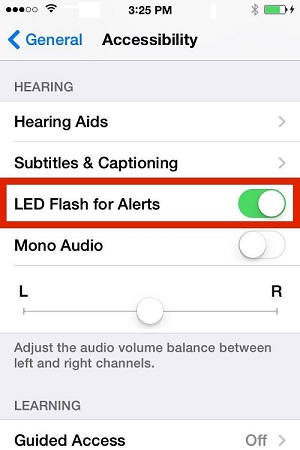
First, locate and tap the "Settings" icon , and then select "General" and "Accessibility".
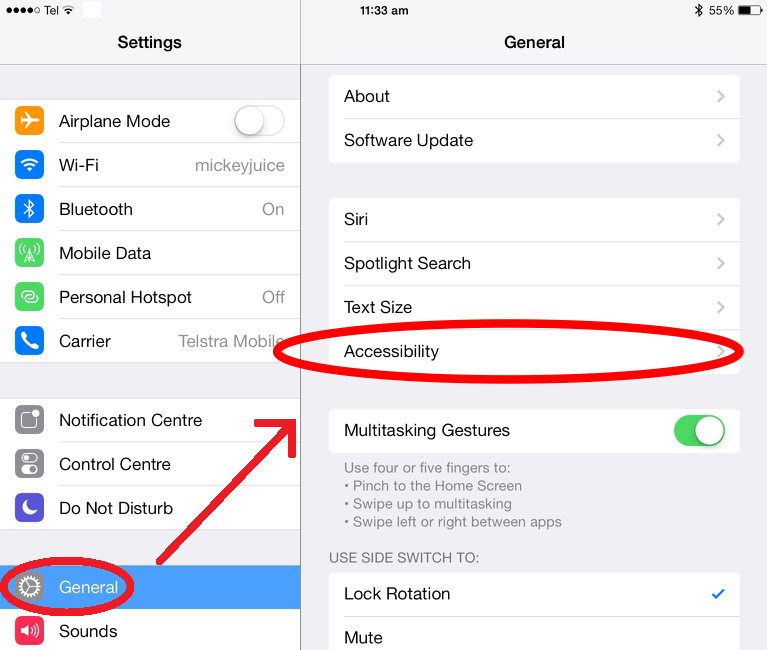
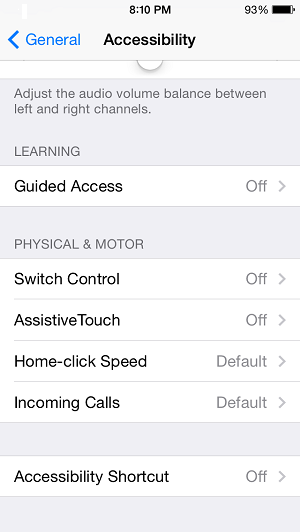
Using the AssistiveTouch feature 

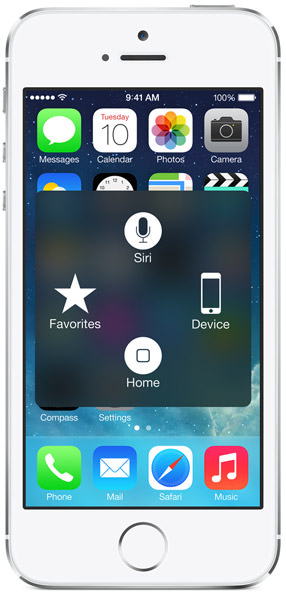
Selecting the newly added assistive touch iconaccessibility optionswill launch the following screen:

accessibility options

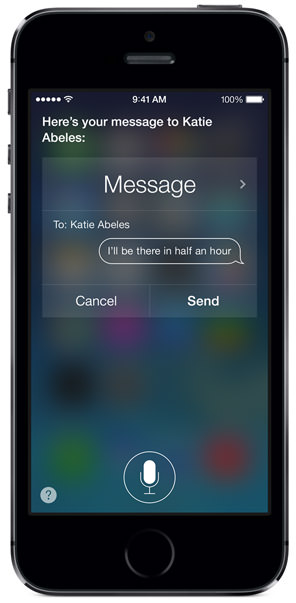
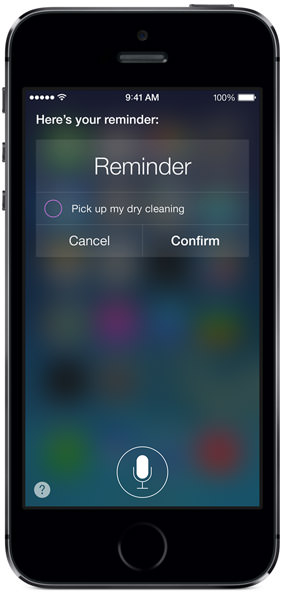
iOS 8 contains a couple more tricks up its sleeves:

accessibility options
accessibility optionsaccessibility options
  accessibility options


accessibility options

Adding an accessibility button in Android

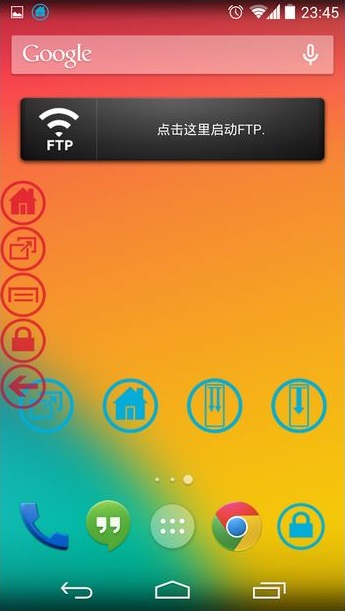
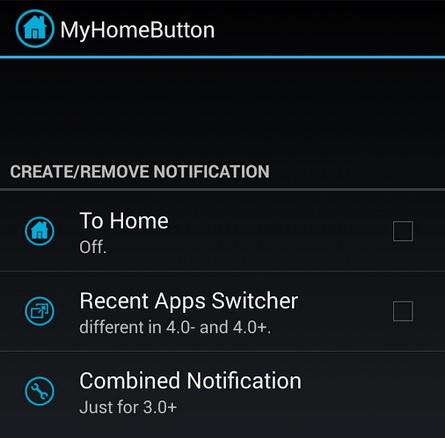
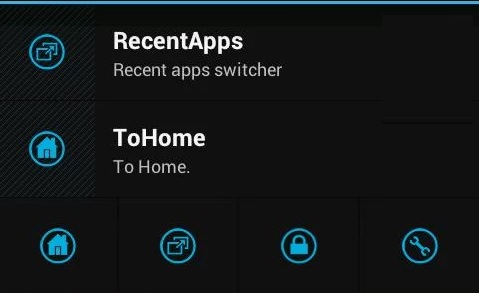
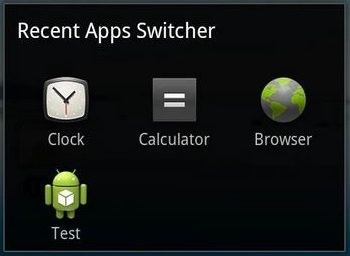
At this time, Google has not included a similar feature in their Android operating system. Luckily, there's a free, simple application called "My Home Button" that has similar features to iOS' virtual button. Search for "My Home Button" on Google Play Store and install the app.

Using My Home Button

After installing the app, select its icon  from your app list.

accessibility options

accessibility options
accessibility options      accessibility options
 

__._,_.___

Posted by: Vue DeDiue <vueddieu@gmail.com>
Reply via web post Reply to sender Reply to group Start a New Topic Messages in this topic (1)
World's Best forwarded emails...

Spread a word to join amdavadis4ever-subscribe@yahoogroups.com

To translate the posted material into your native/regional language,
please visit http://translate.google.com/

.

__,_._,___

No comments:

Post a Comment